

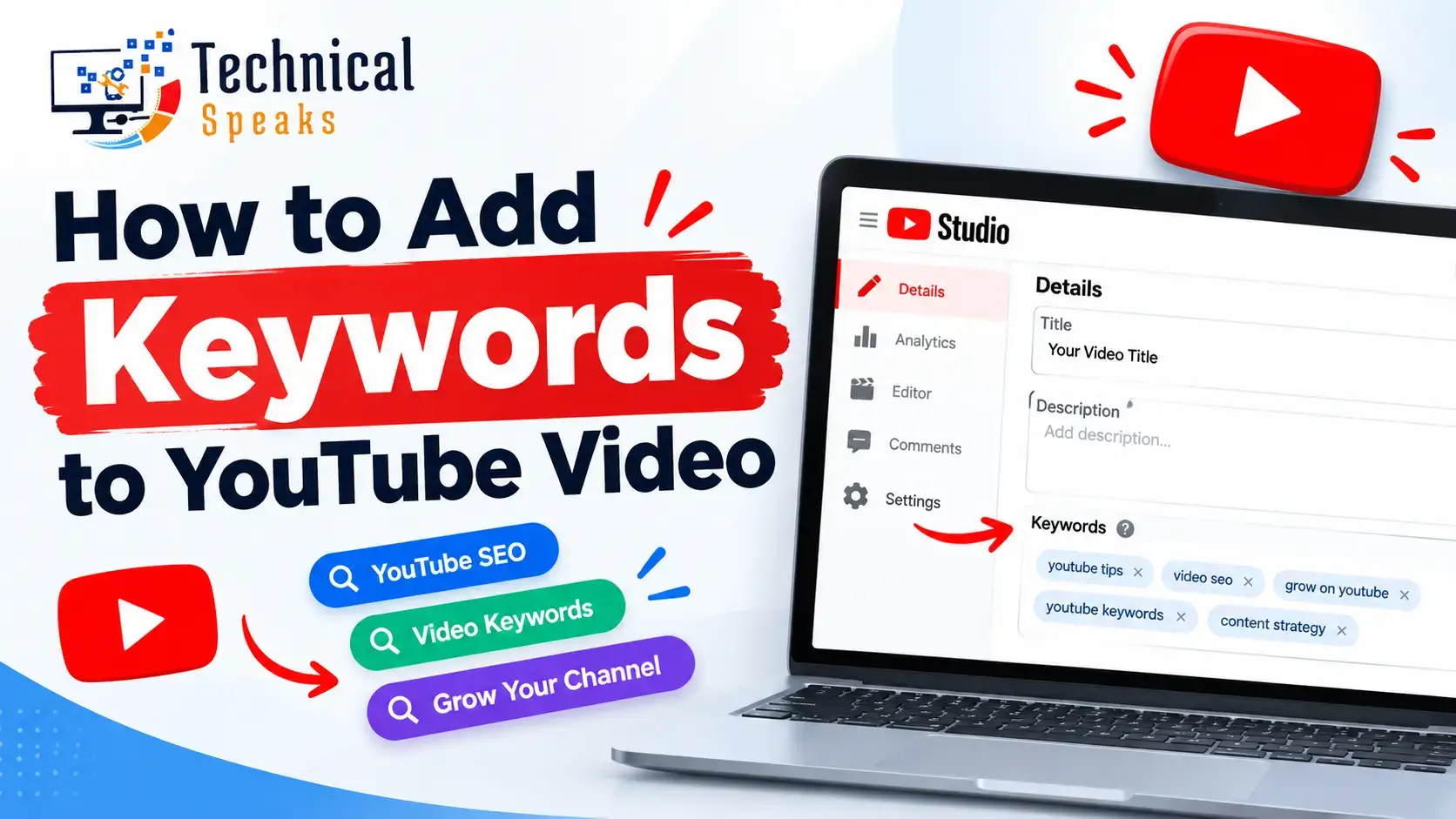
To add keywords to YouTube videos, put your main keyword naturally in the title, the first line or two of the description, your spoken script (and captions), and your chapter names. Tags, hashtags and file names help a little, but much less than most guides suggest.
Keywords help YouTube understand what your video is about. Whether it then ranks depends on what viewers do: do they click, keep watching, and come away satisfied?
This guide shows you where keywords matter, how to find good ones, and how to avoid the habits that waste time.
How YouTube decides which videos to show
YouTube’s search and recommendations look at three broad things:
- Relevance: does the title, description and content match the search?
- Engagement: do people click, watch for a while, like, comment and share?
- Quality and satisfaction: do viewers seem happy with the video, and does the channel show expertise on the topic?
Keywords mainly help with the first one. A good title and thumbnail, plus a video that keeps its promise, handle the rest.
For the bigger picture, see why YouTube SEO is important for ranking videos.
Where to add keywords on YouTube (in order of importance)
1. Video title
Your title is the strongest keyword signal and the main reason people click.
- Put the main keyword near the start, written naturally
- Make a clear promise (what will they learn or get?)
- Keep the important part in the first 60 or so characters, so it isn’t cut off on mobile
- Don’t use clickbait that the video doesn’t deliver
Example: Weak: “Learn SEO” Better: “SEO for Beginners 2026: How to Rank on Google Step by Step”
2. Description (especially the first 1–2 lines)
The first lines show in search results and above the “…more” link, so they do the most work.
- Use your main keyword in the first sentence
- Explain what the video covers in plain language
- Add related terms naturally further down
- Include timestamps, useful links and a short call to action
Example opening: “This SEO for beginners guide shows you how to rank on Google in 2026, covering keyword research, on-page SEO and backlinks, step by step.”
There’s no magic word count. A few helpful paragraphs are plenty.
3. What you say in the video (and captions)
YouTube can process speech, so your script matters.
- Say your main keyword clearly within the first 30 seconds
- Use related terms naturally as you explain things
- Upload accurate captions or edit the auto-generated ones, since auto-captions often get names and technical terms wrong
Captions also make your video accessible and easier for AI tools to understand and quote.
4. Chapters (timestamps)
Chapters help viewers jump to what they need, and Google can show them as “key moments” in search.
- Start with 0:00
- Give each chapter a clear, descriptive name using natural keywords
Example: 0:00 What is SEO 1:45 Keyword research for beginners 5:20 On-page SEO basics 9:10 How to get backlinks
5. Thumbnail (for clicks, not keywords)
Thumbnails don’t carry keyword value, but they decide whether people click.
- Use a few bold words that support the title, not repeat it
- Show a clear face, object or result
- Keep it readable on a small phone screen
Many of the same principles apply to images on websites. See image SEO optimization. And to understand why clicks matter so much, read about click-through rate and SEO rankings.
6. Hashtags
Hashtags help group your video with related content and show as links near the title.
- Use 2–3 relevant hashtags in the description
- Don’t stuff them. If you add more than 60, YouTube ignores all of them
Example: #SEO #YouTubeSEO #DigitalMarketing
7. Playlists
Playlist titles and descriptions are another place for keywords, and they keep viewers watching related videos.
Example: “SEO Tutorials for Beginners (2026)”
This works like content clusters and pillar pages on a website: one topic, several connected pieces.
8. Tags (minor)
YouTube says tags play a minimal role in discovery. They mainly help when people often misspell your topic.
- Add a few relevant tags, including common misspellings
- Don’t spend much time here
9. Channel keywords (minor)
In YouTube Studio, go to Settings, then Channel, then Basic info. Add a few keywords that describe your niche. It’s a small signal, but it takes one minute.
What about the file name?
Renaming video123.mp4 to seo-for-beginners-2026.mp4 is a harmless habit. YouTube hasn’t confirmed that it uses file names, so don’t expect much from it.
How to find the right YouTube keywords
1. YouTube search suggestions. Start typing your topic in YouTube’s search bar. The suggestions come from what people actually search.
2. YouTube Studio’s research tool. It shows what your audience and viewers in general are searching for, including topics with few good videos.
3. Competitor videos. Look at the top videos for your topic. Notice their titles, chapters and the questions in their comments. See this SEO competitor analysis guide for the method.
4. vidIQ and TubeBuddy. Browser extensions that estimate keyword interest and competition on YouTube. Treat their scores as estimates.
5. Google Keyword Planner and SEO tools. Useful for related ideas and spotting topics that show videos in Google results. See keyword research with Google Keyword Planner and our SEO keyword research tools.
6. Long-tail phrases. “SEO tutorial for beginners in Hindi” or “how to rank a new blog on Google” are easier to win than “SEO.” Learn more about long-tail keywords.
Pick one main keyword per video, just like one main keyword per web page. See how many SEO keywords per page.
Step-by-step: adding keywords to a YouTube video
- Choose one main keyword and 2–4 related terms
- Write the script so you say the main keyword early and naturally
- Write the title with the keyword near the start and a clear promise
- Write the first two lines of the description with the main keyword
- Add chapters with descriptive names
- Upload or correct captions
- Add 2–3 hashtags and a few tags
- Add the video to a relevant playlist
- Design a thumbnail that supports the title
- Check results after 1–2 weeks in YouTube Analytics
Keywords for YouTube Shorts
Shorts are found mostly through the Shorts feed, not search, so keywords matter less. Still:
- Write a clear title with the topic in it
- Say or show the topic in the first second
- Add 1–2 relevant hashtags
Get your videos into Google and AI answers
YouTube videos often appear in Google’s video results, and AI tools like Google AI Overviews and Perplexity regularly cite them.
- Answer the main question early and clearly
- Use accurate captions so your words can be quoted
- Use chapters for key steps
- Embed the video in a relevant blog post with VideoObject schema (most SEO plugins can add it)
Learn more about how answer engine optimization works and how to get cited by AI answer engines. YouTube itself is one of the most-used search engines, as covered in our top 10 search engines list.
How to track if your keywords are working
In YouTube Analytics:
- Traffic sources: check “YouTube search” to see which search terms bring views
- Impressions click-through rate: shows whether your title and thumbnail earn clicks
- Average view duration and retention: shows whether the video keeps its promise
If a video gets impressions but few clicks, improve the title or thumbnail. If people click but leave fast, the opening doesn’t match what the title promised.
Common mistakes to avoid
- Keyword stuffing in titles or descriptions (it looks spammy and can break YouTube’s spam rules)
- Misleading titles or tags that don’t match the content
- Too many hashtags
- Relying on tags instead of the title, description and script
- Ignoring captions or leaving auto-caption errors
- Copying a competitor’s title word for word
Frequently asked questions
Where should I put keywords in a YouTube video?
Mainly in the title, the first 1–2 lines of the description, what you say in the video, captions and chapter names.
Do YouTube tags still matter in 2026?
Only a little. YouTube says tags play a minimal role, mostly helping with misspellings.
How many keywords should one video target?
One main keyword plus a few closely related terms.
Does renaming the video file help SEO?
It’s harmless, but YouTube hasn’t confirmed that it uses file names, so treat it as optional.
Why isn’t my video ranking even with good keywords?
Keywords get you considered. Ranking depends on clicks, watch time and viewer satisfaction, so work on your thumbnail, title and the first 30 seconds.
Can YouTube videos appear in Google and AI answers?
Yes. Clear titles, chapters and accurate captions make it easier for Google and AI tools to show and cite your video.
Final thoughts
Adding keywords to YouTube videos is about clarity, not stuffing. Tell YouTube what the video is about in the title, description, script and chapters, then let a strong thumbnail and a genuinely useful video do the rest.
Start with one main keyword per video, check YouTube search traffic in Analytics, and improve your titles and openings over time.
Next steps: 10 tips to increase YouTube views, how to use featured channels on YouTube, and how to make money on YouTube. For planning content, see these content marketing strategies, our AI-powered content creation guide and the latest SEO trends 2026.
About the author
Saurabh K. has been working in SEO and digital marketing for 10+ years, helping businesses grow their search traffic.



Comments
Leave a comment