

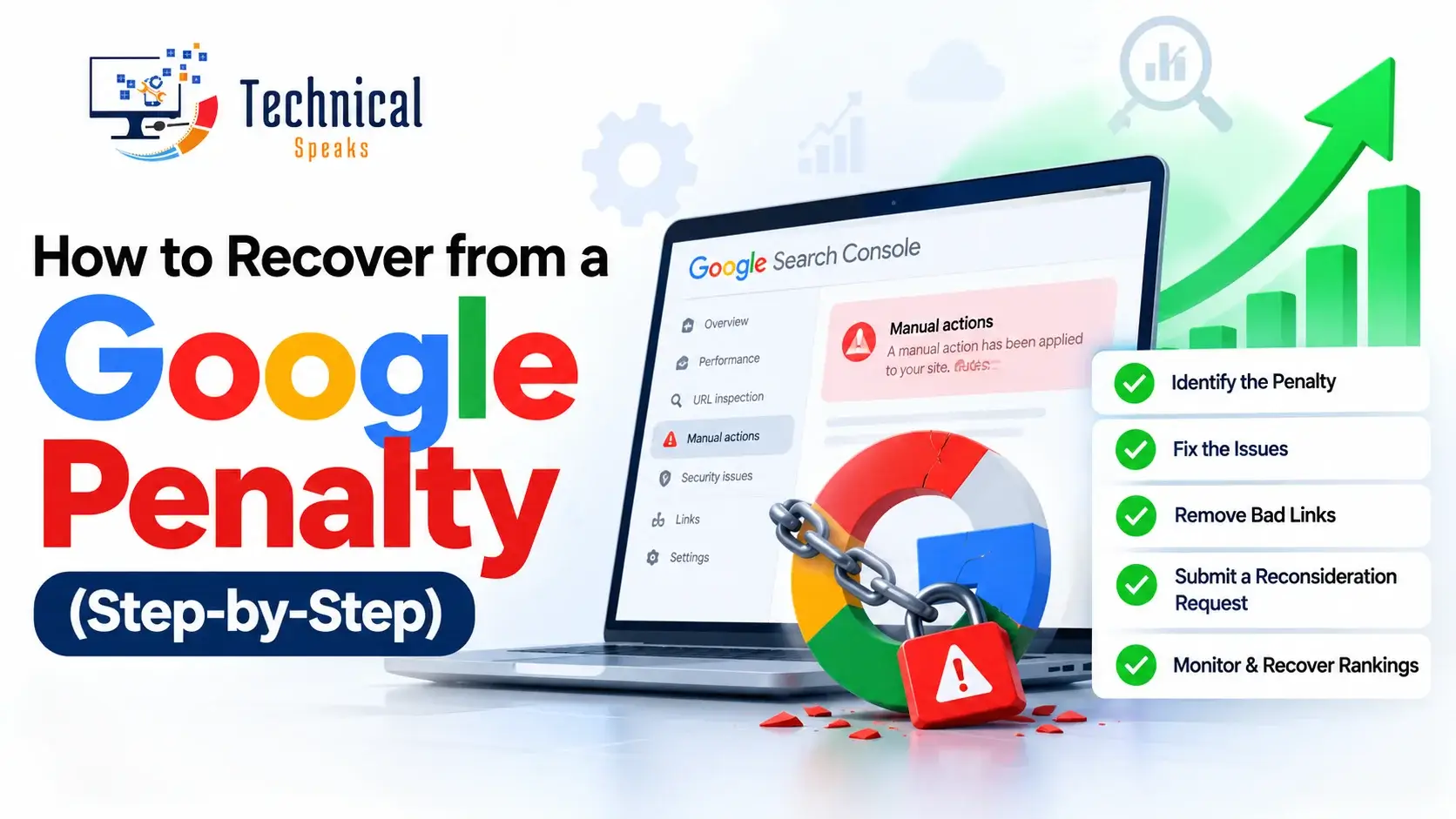
You wake up, check your analytics, and your heart sinks. Organic traffic has fallen off a cliff, and pages that ranked for years have vanished.
To recover from a Google penalty, first confirm it’s actually a penalty. Then find the exact cause, fix it completely, and, for manual actions, submit a reconsideration request in Google Search Console. Manual actions can often be lifted once the fixes are done and reviewed. Algorithmic drops take longer, because Google needs to recrawl and reassess your site over time.
The good news is that most penalties are recoverable. Here’s how to diagnose what happened and fix it, step by step.
What is a Google penalty?
“Google penalty” is a catch-all term people use for any big ranking drop. In reality, there are three different situations, and each one needs a different fix:
| Type | What it is | How you’ll know | Fix |
|---|---|---|---|
| Manual action | A Google reviewer found your site breaks Google’s spam policies | A message in Search Console’s Manual actions report | Fix the issue, then request a review |
| Spam system demotion | Google’s automated systems (like SpamBrain) detect spam, such as link schemes or scaled low-value content | No message. A drop that often lines up with a spam update | Fix the issue and wait for reassessment |
| Core update drop | Google reassessed how helpful and relevant your content is | No message. A drop around a core update | Improve content quality over time. Google says this isn’t a penalty |
Google’s rules are now called Google Search Essentials, which includes the spam policies. For a full list of penalty types, see our guide to Google penalties in SEO.
Common causes
- Unnatural or paid backlinks
- Thin, copied or mass-produced content (including unedited AI content at scale)
- Keyword stuffing
- User-generated spam in comments, forums or profiles
- Hacked content
- Cloaking or sneaky redirects
- Site reputation abuse: hosting low-quality third-party content to exploit your site’s rankings
- Expired domain abuse: buying old domains to rank low-value content
Why it matters
- Lost revenue: for many businesses, organic search is a top source of leads and sales
- Lost trust: disappearing from Google makes your brand harder to find and less credible
- Ongoing damage: unfixed issues keep holding back everything else you publish
- Higher costs: making up the traffic with ads gets expensive fast
The sooner you diagnose the problem, the sooner you can start recovering.
Step 1: Make sure it’s really a penalty
Many “penalties” turn out to be something else. Rule these out first:
- Tracking problems: did your GA4 tag break? Compare GA4 with Search Console clicks. If Search Console looks normal, it’s a tracking issue
- Technical errors: accidental
noindextags, robots.txt blocks, a broken sitemap or server errors. See common robots.txt mistakes and technical SEO mistakes - Site migration or URL changes without proper 301 redirects
- Seasonality: compare with the same period last year
- SERP changes: AI Overviews, new features or competitors taking clicks, even if rankings didn’t move much. See CTR in SEO
- Lost backlinks from one or two important sites
If none of these explain it, move on to Step 2.
Step 2: Identify the type of penalty
Check for a manual action
Open Google Search Console, then Security & Manual Actions, then Manual actions. If there’s an action, Google tells you the issue (for example, “Unnatural links to your site”) and whether it affects the whole site or specific pages.
Also check the Security issues report. Hacked sites show up there.
No manual action? Match the date
Note exactly when traffic dropped, then compare with:
- Google Search Status Dashboard: Google’s official list of core, spam and other ranking updates
- Volatility trackers like MozCast or Semrush Sensor
A drop that lines up with a spam update points to spam issues. A drop that lines up with a core update points to content quality and relevance.
Learn more about how Google’s algorithms work.
Step 3: Find the real cause
In Search Console’s Performance report, compare the period before and after the drop by page and query. Did the whole site drop, one section, or a few pages? That tells you a lot.
For link problems
- Export links from Search Console’s Links report, and from Ahrefs or Semrush if you have them
- Look for paid links, link networks, spammy directories, irrelevant sites and link exchanges
- Check anchor text. Lots of exact-match commercial anchors is a red flag
Learn the difference between good and bad links in our guide to high-quality backlinks.
For content problems
Crawl your site with Screaming Frog or Sitebulb and look for:
- Pages that add little value: thin, outdated or written only to rank
- Duplicate or near-duplicate pages, such as copied product descriptions or location pages with only the city name changed
- Mass-produced or auto-generated content with no human review
- Pages competing for the same keyword. See keyword cannibalization
Word count isn’t the issue. A short page that fully answers the question is fine. A long page full of filler isn’t.
For user-generated spam or hacking
Check comments, forum posts, user profiles and odd new pages for casino, pharmacy or adult links. Run a site:yourdomain.com search on Google to spot pages you didn’t create.
Step 4: Build a remediation plan
List every issue linked to the cause you found:
- Problem links to remove or disavow
- Pages to improve, merge, noindex or delete
- Keyword-stuffed titles, headings and anchors
- Hacked or spam pages to clean up
- Outbound paid or affiliate links that need
rel="sponsored"
Fix the issues tied to the penalty first, but don’t stop there. Google looks at the whole site.
Step 5: Fix the problems
Link issues
- Request removal of the worst links from the site owners. Keep a spreadsheet of domains, dates, emails and replies
- Disavow what you can’t remove. Create a disavow file (domain-level is usually easiest) and upload it using Google’s disavow links tool
- Fix your outbound links: mark paid and affiliate links with
rel="sponsored"and remove any you sold - Stop all questionable link building immediately
A note on disavow: Google says most sites never need it. Use it for a manual link action, or if you know you bought links or took part in link schemes. Don’t disavow random “toxic” links flagged by tools.
Content issues
- Improve valuable pages with original insights, examples, images and real expertise
- Merge overlapping posts into one stronger page and 301 redirect the others
- Noindex or delete pages with no value to anyone
- Rewrite keyword-stuffed text naturally. See how many SEO keywords per page
- Review AI-assisted content: add human editing, fact-checking and experience. See our AI-powered content creation guide
Hacked sites
- Clean the site with a security plugin or a professional service, and close the security hole (outdated plugins, weak passwords)
- Remove spam pages and check for hidden redirects
- Request a review from the Security issues report
Step 6: Request reconsideration (manual actions only)
Once everything is fixed, go to Manual actions and click Request review. Write a clear, honest request.
Include:
- What went wrong: admit it plainly (for example, “We bought links from a link network in 2024”)
- What you did: specific actions with numbers, dates and evidence (for example, “Removed links from 120 domains, disavowed 300 more. Outreach log attached”)
- How you’ll prevent it: new processes (for example, “All sponsored content now uses rel=’sponsored’, and we no longer buy links”)
Be honest and complete. Vague or partial fixes are the most common reason for rejection. Reviews usually take anywhere from a few days to a few weeks, and Google will tell you the result in Search Console.
Step 7: Recovering from algorithmic drops
There’s no review request for spam system demotions or core update drops. Google needs to recrawl your site and reassess it over time. Focus on:
- Improving or removing low-quality content across the site
- Showing real experience and expertise: author bios, first-hand examples, accurate information
- Earning natural links and mentions instead of building them artificially
- Fixing technical and UX issues. A technical SEO audit helps here
Recovery can take months. Google has said improvements may show over time, sometimes at the next core update, but there’s no guaranteed timeline.
Step 8: Monitor progress
- Check Search Console for messages and review results
- Track impressions and clicks for your key pages and queries weekly
- Keep a recovery log of what you changed and when
- Track your most important keywords so you can spot early movement
If a reconsideration request is rejected, read Google’s response carefully, fix what was missed and try again.
Common mistakes
- Assuming it’s a penalty before checking tracking, technical issues and seasonality
- Disavowing too much, including good links flagged by automated tools
- Requesting review too early, before every fix is done and documented
- Fixing symptoms only, like deleting one bad page while still publishing similar content
- Continuing risky link building during recovery
- Expecting overnight results from algorithmic issues
What about negative SEO?
Worried a competitor pointed spammy links at your site? In most cases, Google’s systems simply ignore spammy links. Disavow is only worth considering if you get a manual action or see a large, clear attack.
Recovery checklist
- Ruled out tracking, technical, migration and seasonal causes
- Checked Manual actions and Security issues in Search Console
- Matched the drop date with Google’s Search Status Dashboard
- Found the cause at page and query level
- Fixed every related issue site-wide
- Documented all actions with dates and evidence
- Submitted a reconsideration request (manual actions only)
- Stopped risky tactics and kept monitoring weekly
Frequently asked questions
How long does it take to recover from a Google penalty?
For manual actions, reviews usually take days to weeks after you submit, and rankings can return soon after approval. Algorithmic recovery often takes months and depends on Google reassessing your site.
How do I know if I have a Google penalty?
Check the Manual actions report in Search Console. If nothing is there, compare your traffic drop with Google’s update history and rule out technical or tracking issues.
Is a core update drop a penalty?
No. Google says core updates reassess content quality and relevance. Improving your content is the path to recovery.
Do manual actions expire?
They can eventually expire, but don’t wait for that. Fix the issues and request a review.
Should I use the disavow tool?
Only if you have a manual link action or know you have paid or scheme links you can’t remove. Most sites never need it.
Can a site recover after buying backlinks?
Yes. Remove or disavow the paid links, stop buying links and request a review if there’s a manual action.
Final thoughts
Recovering from a Google penalty isn’t quick, but it’s very possible. Confirm it’s really a penalty, find the true cause, fix it completely and be honest in your reconsideration request. Then build your site the right way going forward.
The best protection is not needing recovery at all. Avoid these black hat SEO techniques, build links naturally, and focus on genuinely helpful content. If you’d like expert help, see what’s included in organic SEO services. Wondering whether SEO is still worth the effort? Read is organic SEO dead in the age of AI.
About the author
Saurabh K. has been working in SEO and digital marketing for 10+ years, helping businesses grow their search traffic.


Comments
Leave a comment