
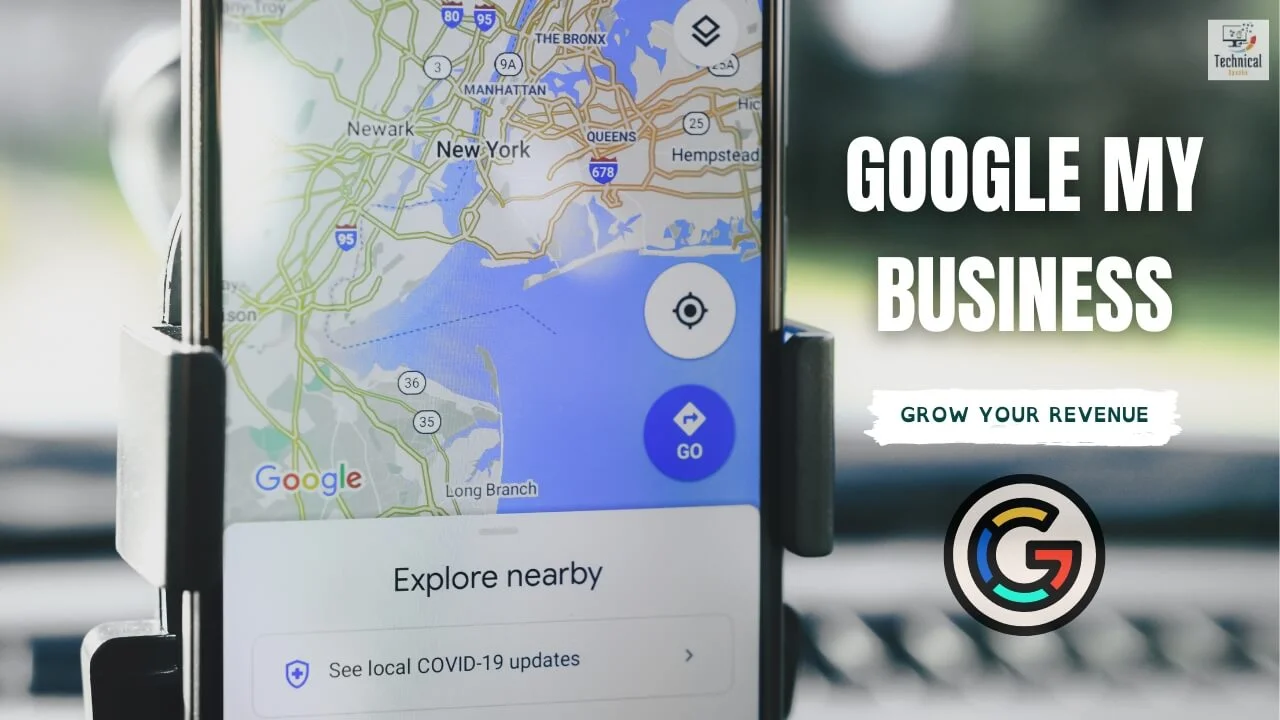
Your Google Business Profile (GBP) is more than a free directory listing. For local businesses, it’s often the first place people decide to call, book, get directions, or order.
This guide shows how to set up and use GBP so it drives revenue — not just views — while supporting local SEO and AEO.
Why GBP can make money
When your profile is complete and active, people can:
- Call you in one tap
- Request directions
- Book or message you
- Check services, photos, and reviews before they choose
That short path from search to action is the monetization opportunity. For the wider local picture, see local SEO benefits.
Step 1: Make the profile complete and accurate
Money features work better when the basics are right.
- Claim and verify the profile
- Use your real signage name (don’t keyword-stuff the business name)
- Keep NAP (Name, Address, Phone) identical to your website
- Choose the best primary category, then accurate secondary categories
- Add services/products with clear descriptions
- Upload real photos of the place, team, and work
- Keep hours correct, including holidays
- Add attributes that match how you operate
Step 2: Turn reviews into trust (and leads)
Reviews help people choose you and can support local visibility.
- Ask happy customers for an honest review
- Make the review link easy to share
- Reply to every review, good and bad
- Keep replies human — don’t stuff city keywords into every thank-you
- Never buy reviews or pay for star ratings
Step 3: Post updates that sell
Google posts are short updates on your profile. Use them like mini ads.
Ideas:
- Limited offers
- New services or products
- Event or seasonal announcements
- Tips that show expertise + a clear next step
Add a simple CTA when available: Call, Book, Learn more, or Get offer.
Step 4: Enable messaging, booking, and ordering
Remove friction for ready buyers.
- Turn on messaging and reply quickly
- Add booking if you use scheduling software (salons, clinics, classes)
- Add order/delivery links for restaurants where eligible
Fewer clicks between “found you” and “paid you” usually means more conversions.
Step 5: Showcase products and services
Treat the products/services section like a mini catalog.
- Clear names and short descriptions
- Prices when you’re comfortable sharing them
- Strong photos
- Highlight bestsellers or high-margin offers
This helps shoppers decide before they hit your website.
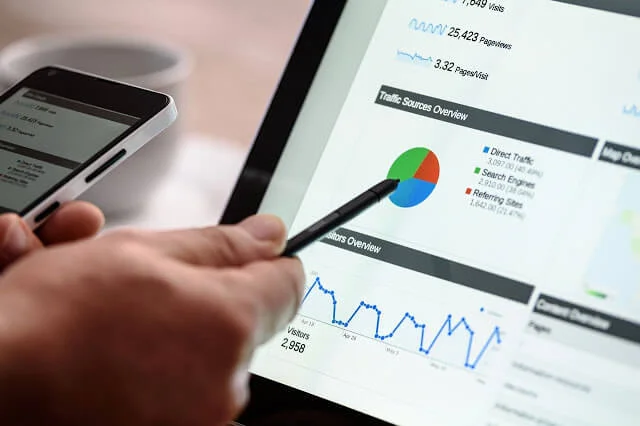
Step 6: Use Insights to push revenue
Check performance data regularly:
- How people find you (direct vs discovery)
- Calls, website clicks, direction requests
- Messaging and booking actions when available
- Which photos get attention
Example: if weekend mobile searches spike, run a weekend offer post and make sure Saturday hours are correct.
Step 7: Own the Q&A section
Don’t leave Q&A empty or to random answers.
- Seed common questions (“Do you take walk-ins?”, “Is parking available?”)
- Answer clearly and honestly
- Monitor new questions weekly
Good Q&As save time and reduce drop-off.
Step 8: Support GBP with local SEO on your site
GBP and your website should reinforce each other.
- Use natural long-tail local keywords on service pages
- Keep NAP consistent everywhere
- Link location/service pages clearly
- Build useful local mentions and high-quality backlinks
- Fix site issues that kill mobile conversions with the on-page SEO checklist and technical SEO mistakes
Compare local rivals with a light SEO competitor analysis.
Step 9: Use ads when organic isn’t enough
When competition is high, Google Ads (including local campaigns) can put your business above organic results and still show profile trust signals.
Use ads to capture high-intent searches while you keep improving organic GBP strength. Track calls and bookings so spend ties to revenue.
Step 10: Keep the profile active
An abandoned profile looks stale.
Weekly rhythm:
- 1 useful post
- Reply to new reviews/messages
- Add a few fresh photos monthly
- Update hours before holidays
- Recheck Insights and fix weak spots
AEO note: local AI recommendations
People also ask ChatGPT, Perplexity, and Google AI experiences for “best [service] near me.” Complete profiles, real reviews, accurate categories, and clear website pages make those mentions more likely. More here: AI answer engines and SEO trends 2026.
New sites: set GBP up early using SEO for a new website. Broader visibility planning: web search engine positioning.
Simple monetization checklist
- Verified, complete profile
- Correct categories + services
- Fresh photos
- Review ask + reply process
- Weekly posts with CTAs
- Messaging/booking/order enabled if eligible
- Q&A seeded
- Insights reviewed monthly
- Website NAP + local pages aligned
- Optional local ads with conversion tracking
Frequently asked questions
Can GBP generate revenue without a website?
Sometimes for calls and visits, yes. A clear website still helps trust, SEO, and conversions.
How often should I post?
About once a week is a solid rhythm for many small businesses.
Do reviews really affect sales?
Yes for most local categories — people use them to decide who to call.
Should I put keywords in my business name?
No. Use your real business name.
Final thoughts
Monetizing Google Business Profile means making it easy to choose you and act: complete details, social proof, offers, booking/messaging, and steady updates. Pair that with solid local pages on your site, and GBP becomes a real revenue channel — not a forgotten listing.
About the author
Saurabh K. has been working in SEO and digital marketing for 10+ years, helping businesses grow their search traffic.


Comments
Leave a comment