


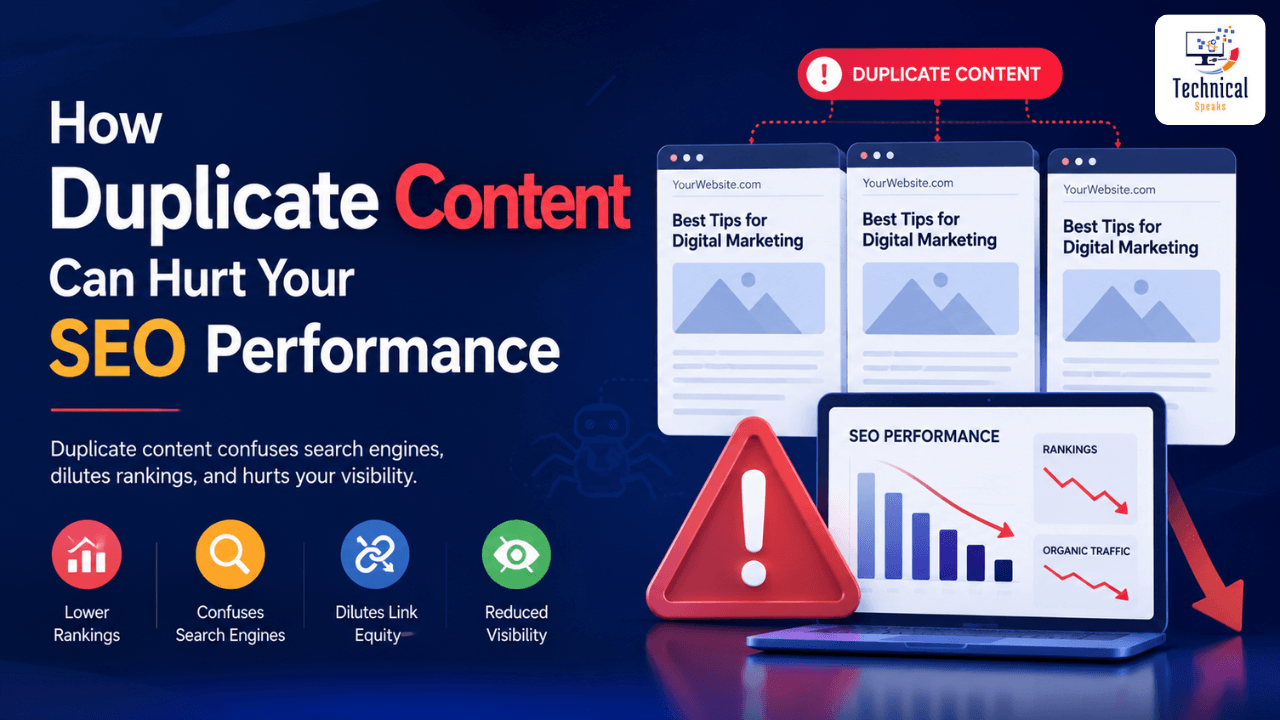
Duplicate content is one of the most misunderstood yet damaging issues affecting website rankings. Many business owners assume that having similar content across multiple pages is harmless — but search engines see it differently. When Google discovers duplicate content, it faces a dilemma: which version should it index and rank? Often, the answer is neither. Duplicate content dilutes your link equity, confuses crawlers, wastes your crawl budget, and can trigger ranking penalties or even increase the risk of Google penalties, pushing your pages deep into search results. Understanding how duplicate content hurts your SEO is the first step to protecting your organic visibility.
What Exactly Is Duplicate Content?
Duplicate content can appear in many forms: printer-friendly versions of pages, WWW vs. non-WWW URLs, session IDs, pagination issues, or even scraped content from other websites. When Google encounters multiple versions of the same information, it faces a dilemma: which version deserves to rank? This often results in all versions ranking lower than if a single, canonical version existed.
The Real Ways Duplicate Content Hurts Your SEO
1. Diluted Ranking Signals
Backlinks, social shares, and engagement metrics are powerful ranking factors. If your content appears on three different URLs, each page will receive only a fraction of the total link equity. Instead of one strong page, you end up with three weak pages that struggle to rank.
2. Crawl Budget Waste
Google allocates a specific “crawl budget” to your site. When bots waste time crawling duplicate pages, they may never reach your fresh, unique content. This means new blog posts or product pages could stay unindexed for weeks.
3. Cannibalization of Keywords
If you have two similar pages targeting the same keyword, they compete against each other. Google may rank the wrong page (e.g., an old, thin post instead of your updated cornerstone article). This is how duplicate content dynamic is particularly common in e-commerce sites with near-identical product descriptions.
4. Loss of Authority and Trust
When users click through to two different URLs expecting unique value but find the same information, they bounce. High bounce rates signal poor user experience, and over time, your domain authority suffers.
How to Find Duplicate Content on Your Site
Use these tools and methods:
Google Search Console: Check “Page indexing” report for duplicates with canonical issues
Site search: Search
site:yourdomain.com "exact phrase"to find multiple pages with same textScreaming Frog: Run a crawl and sort by “Duplicate content” or “Similar page” columns
Copyscape or Siteliner: Scan for internal and external duplicates
Ahrefs or Semrush: Use content audit tools to identify overlapping pages
How to Fix Duplicate Content
Use 301 Redirects (Best for Permanent Duplicates)
Redirect duplicate URLs to the master version:
example.com/page→example.com/primary-pageConsolidates link equity fully
Use Canonical Tags (Best for Necessary Duplicates)
Tell Google which version is master:
<link rel="canonical" href="https://example.com/master-page/" />Keeps both pages accessible (good for e-commerce filters)
Passes link equity to the canonical URL
Use Noindex (Best for Low-Value Pages)
Prevent indexing of parameter pages, printer-friendly versions, or tag archives:
<meta name="robots" content="noindex" />Removes pages from search results entirely
Use Parameter Handling in Search Console
Tell Google how to treat URL parameters:
“Every URL” (crawl all)
“Only some” (Google chooses)
“No URLs” (ignore this parameter)
“Every URL that represents a different page” (product filters)
When Duplicate Content Is Not a Problem
Not all duplication is harmful. For example, printer-friendly pages, forum pagination, or regional versions of the same article (with hreflang tags) are generally safe. Also, syndicated content (e.g., republishing a guest post on LinkedIn) can be fine if you ask the original source to add a canonical link back to you.